

Key Takeaways
Our Verdict
Spreadsheets and budgeting apps each serve real needs, but they suit different types of people. Spreadsheets reward those who enjoy customization and are willing to invest time in setup and maintenance. Apps work best for people who want automation and accessibility at the cost of some privacy and, often, a recurring fee. There is no universally superior option - the right choice depends on your habits, comfort with technology, and how closely you want to track your money.
| Best for | Recommended |
|---|---|
| Those who prefer full customization and manual control | Spreadsheet |
| Those who want automated syncing and mobile convenience | Budgeting App |
| Privacy-conscious individuals who avoid linking financial accounts | Spreadsheet |
| Beginners who want structure and guided categories from the start | Budgeting App |
Why Your Tracking Method Matters
Knowing where your money goes is foundational to any sound financial plan. But the method you choose to track it shapes how much effort budgeting takes - and whether the habit sticks. Before comparing tools, it helps to understand what any good tracking system needs to do: capture all income, record every expense, organize spending into meaningful categories, and make it easy enough to maintain week after week.
For a deeper look at building those categories, see how to categorize your spending in a way that actually reveals useful patterns. And if you're starting a budget from scratch, the monthly budget setup checklist walks through each step in order.
The two most common digital approaches - spreadsheets and dedicated budgeting apps - each accomplish those goals through very different means.
The Case for Spreadsheets
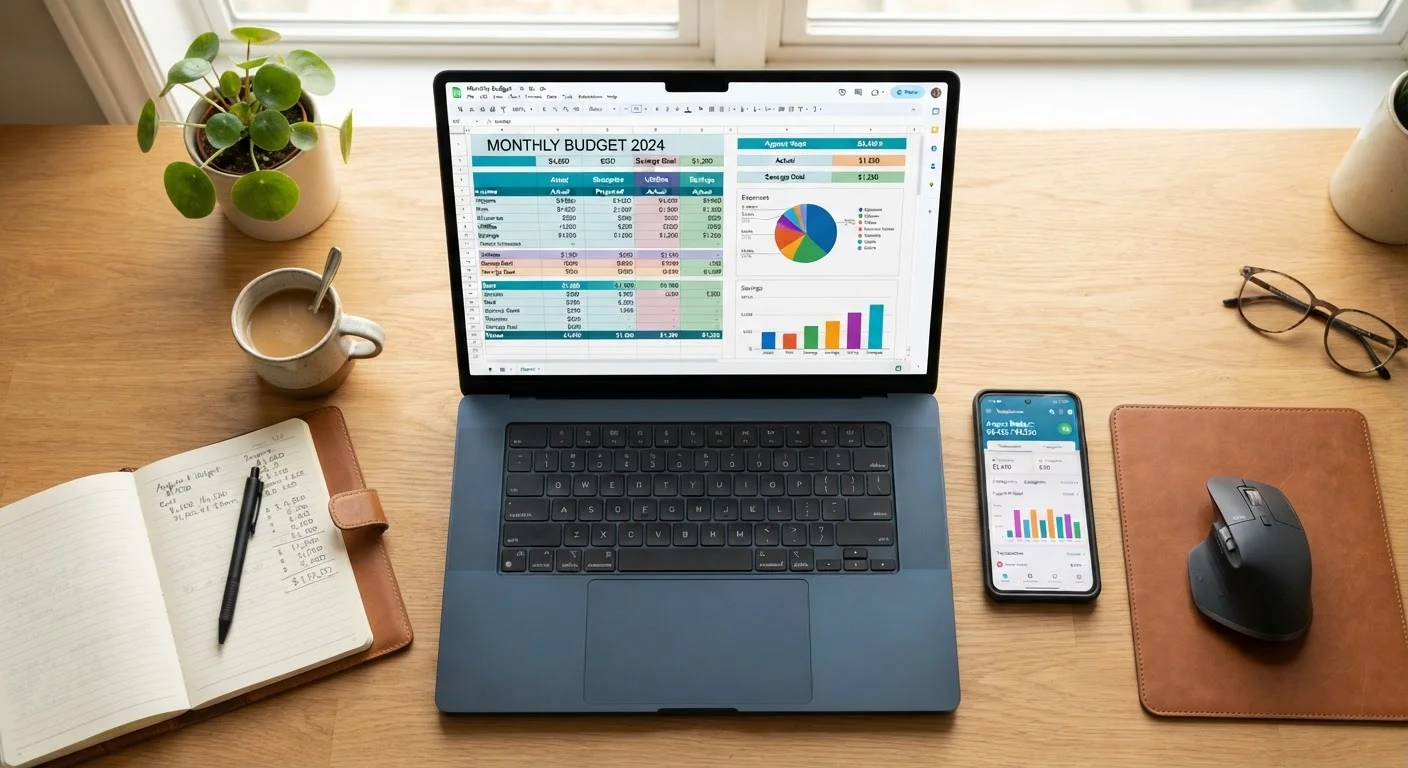
A spreadsheet budget, whether built in Google Sheets or Microsoft Excel, puts you in complete control. You design every column, choose every category, and decide exactly how data is organized. That flexibility is a genuine advantage for people whose income or expenses don't fit neatly into standard templates - freelancers, households with irregular income, or anyone tracking a highly specific financial goal.
Spreadsheets are also free (or included with tools many people already use), carry no subscription cost, and require no connection to your bank accounts. For readers who are cautious about sharing financial login credentials with third-party platforms, a self-maintained spreadsheet eliminates that concern entirely.
The trade-off is real: every transaction must be entered manually. Miss a week, and catching up becomes a chore that many people abandon. Spreadsheets also lack automated alerts, visual dashboards, or mobile push notifications. They demand discipline up front and consistently thereafter.
| Spreadsheet | Budgeting App | |
|---|---|---|
| Cost | Free or included with existing tools | Often requires monthly/annual subscription |
| Data Entry | Fully manual | Largely automated via account sync |
| Customization | Unlimited - user-defined structure | Limited to app's built-in categories and features |
| Privacy & Security | No third-party account access needed | Requires sharing financial login credentials |
| Real-Time Visibility | Only as current as last manual update | Near-real-time with automatic syncing |
| Learning Curve | Higher - requires spreadsheet familiarity | Lower - guided setup and pre-built categories |
| Mobile Access | Possible but less convenient | Purpose-built for smartphone use |
The Case for Budgeting Apps
Dedicated budgeting apps are designed to reduce friction. Most connect directly to your bank, credit card, and investment accounts, pulling transactions in automatically and sorting them into categories with minimal user input. That automation lowers the daily effort required and makes it easier to see a real-time snapshot of your finances at any moment.
Many apps also include features like spending trend charts, bill reminders, goal trackers, and alerts when you approach a category limit - features that would require significant formula-building to replicate in a spreadsheet. For beginners especially, that built-in structure can provide a useful framework before they've developed strong budgeting instincts.
The drawbacks are worth weighing carefully. Most capable apps charge a monthly or annual subscription. Connecting financial accounts does involve granting a third-party service access to sensitive data - users should review privacy policies and understand how their data is used and stored. Automated categorization is also imperfect; transactions are sometimes miscategorized, requiring manual corrections that can undermine the time-saving appeal.
For those interested in a lower-tech complement to either approach, envelope budgeting in a digital world explores how a decades-old cash method can be adapted for modern spending habits.
Making the Choice - and Making It Stick
Choosing between a spreadsheet and an app is ultimately a question of how you work best, not which tool is objectively superior. If you find satisfaction in building and customizing your own systems, a spreadsheet may keep you engaged. If you know you'll skip manual entry when life gets busy, an app's automation may be the difference between a budget that functions and one that gets abandoned.
Some people combine both: using an app for real-time transaction capture and a spreadsheet for monthly review and long-term planning. That hybrid approach can offer the convenience of automation with the analytical depth of a custom model.
What matters far more than the tool itself is consistency. Research on behavior change consistently finds that systems people return to regularly - even imperfect ones - outperform sophisticated systems used sporadically. See habits that make budgeting stick long-term for evidence-informed strategies on sustaining financial tracking over time.
This article is for general informational and educational purposes only and does not constitute personalized financial advice. Consult a qualified financial professional for guidance tailored to your specific circumstances.